Setting Up Google Mail
Step 1: Create a Google Account
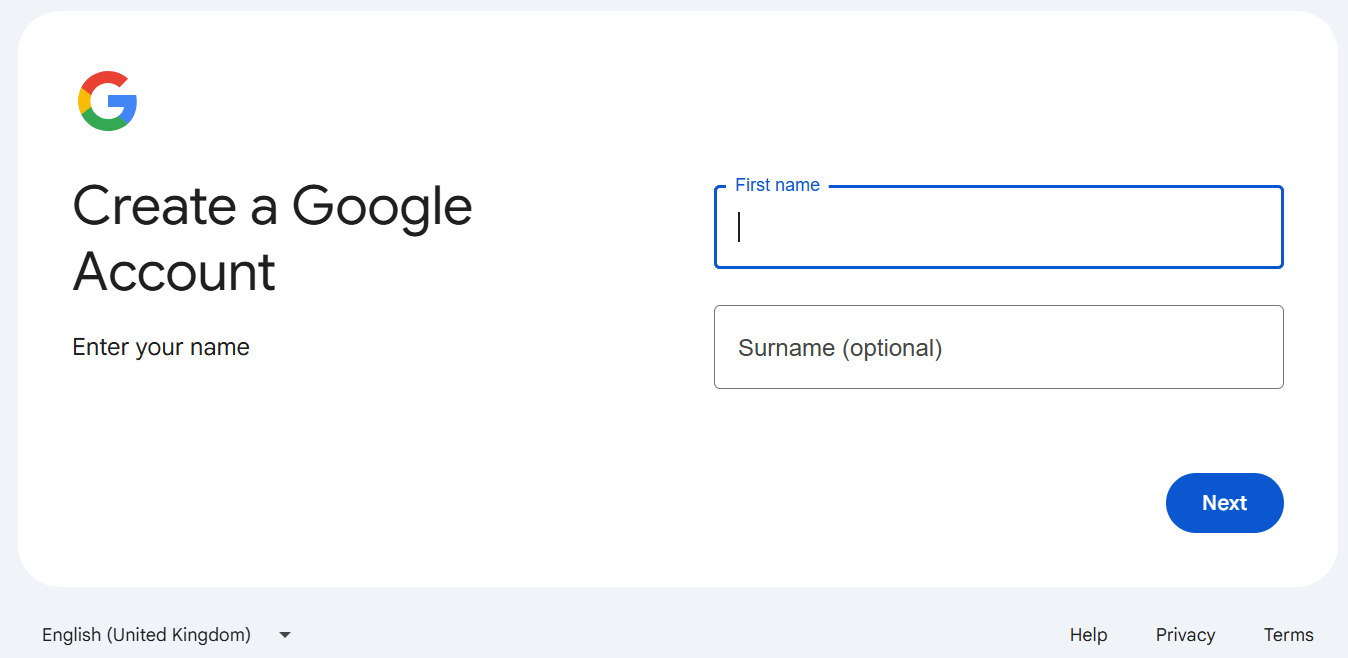
- Visit Google Account Signup
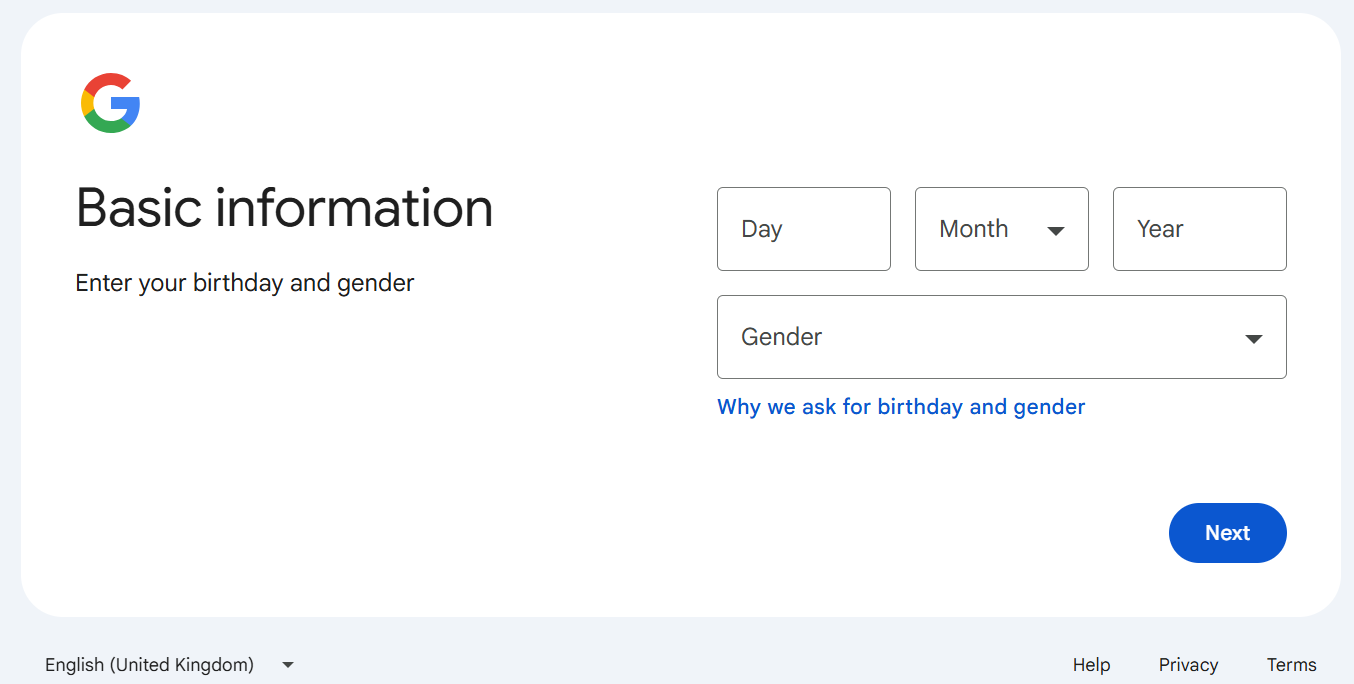
- Fill in your personal information
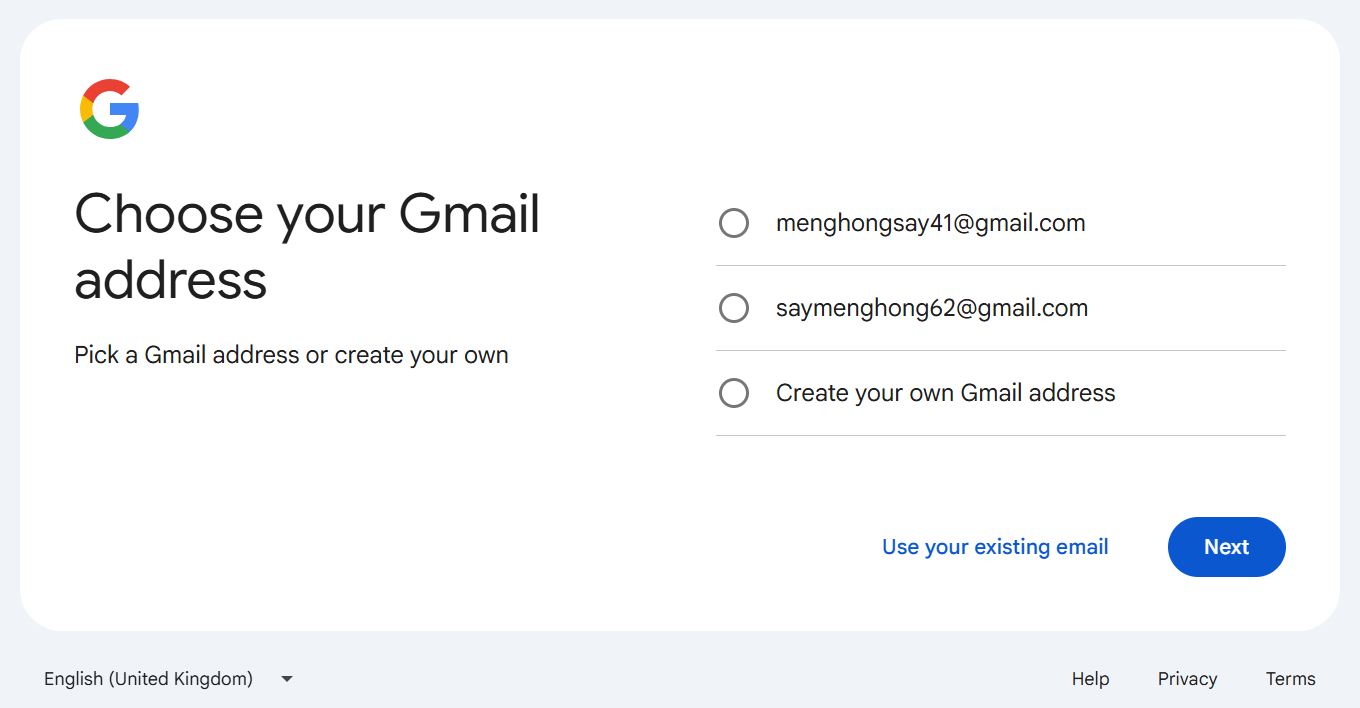
- Choose a your gmail address or create your own (this will be your email address)
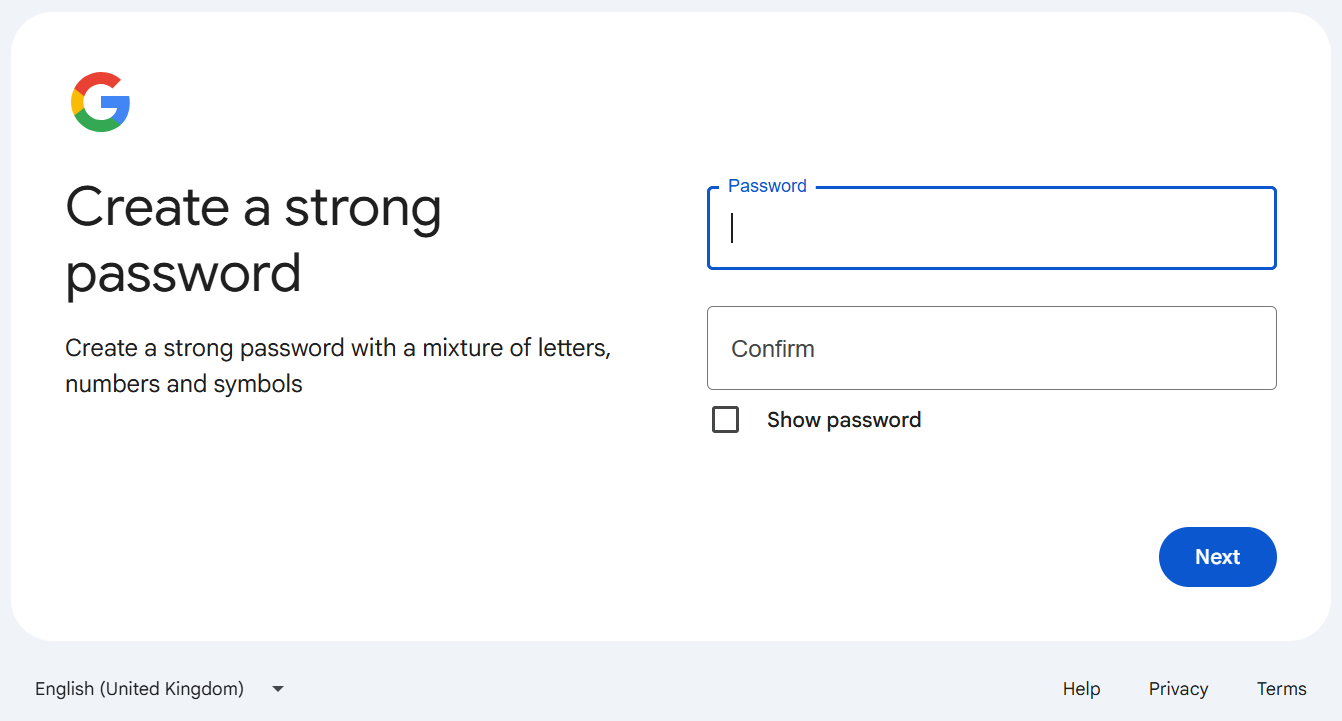
- Create a strong password
Step 2: Sign in to Google Mail
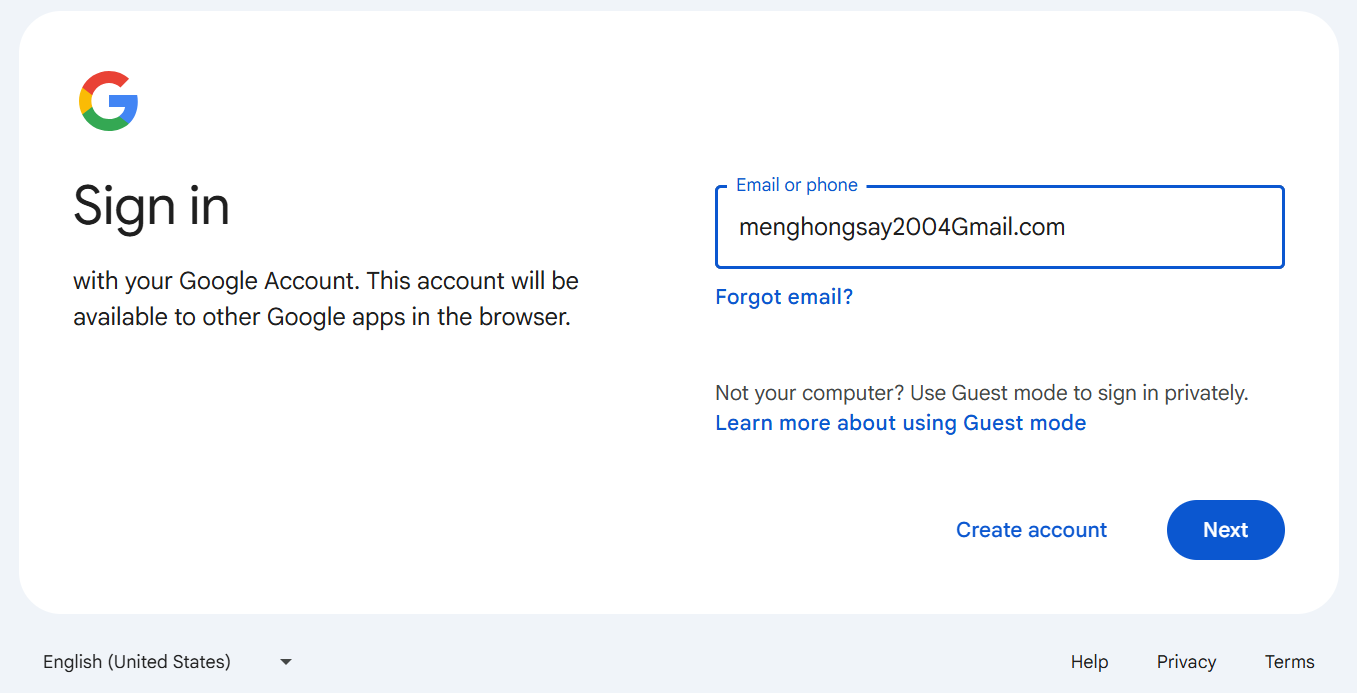
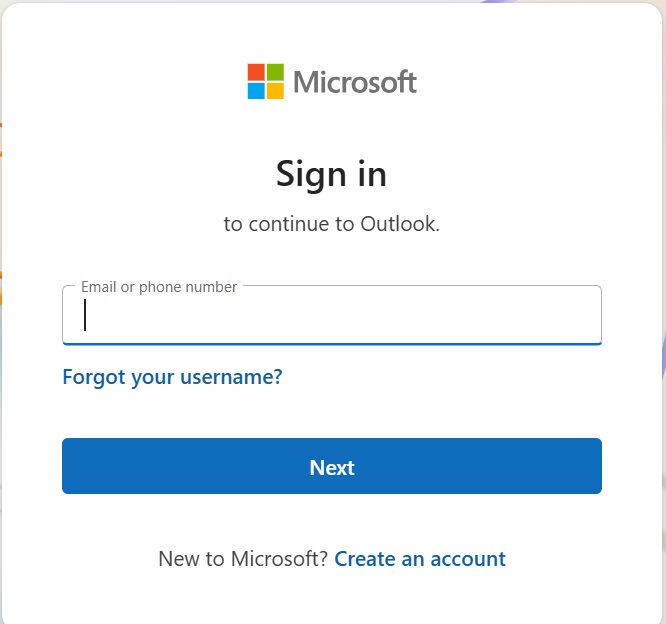
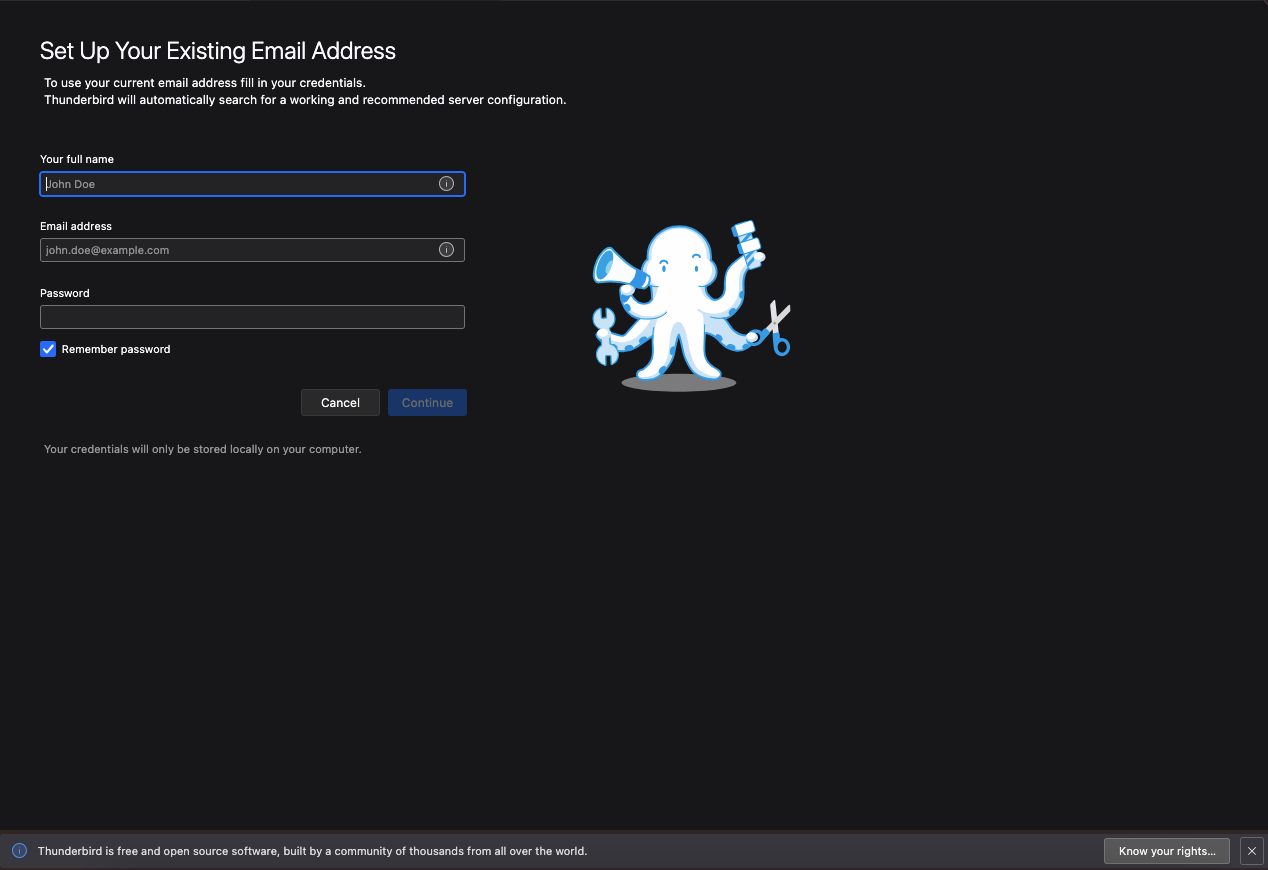
- Go to mail.google.com
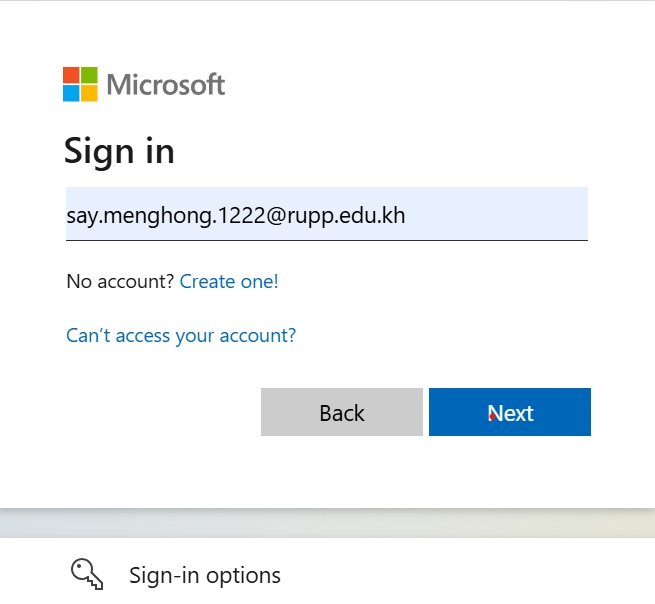
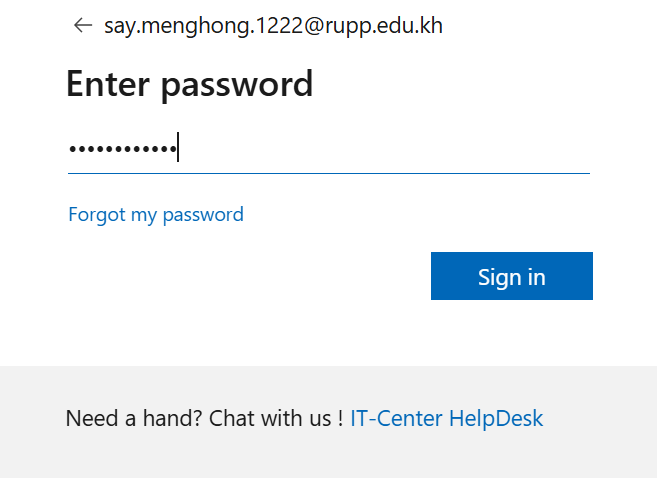
- Enter your email address and password
- Click "Sign in" to access your inbox
- Accept the terms of service if prompted
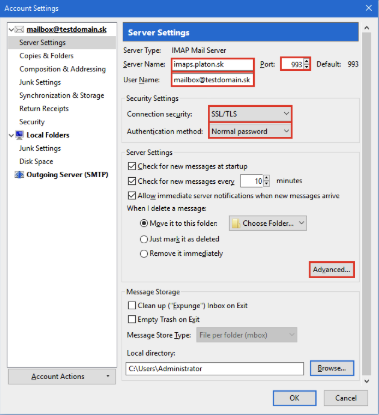
Step 3: Adjust Settings
- Click the gear icon in the top right corner
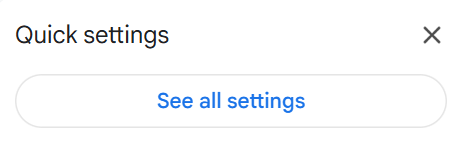
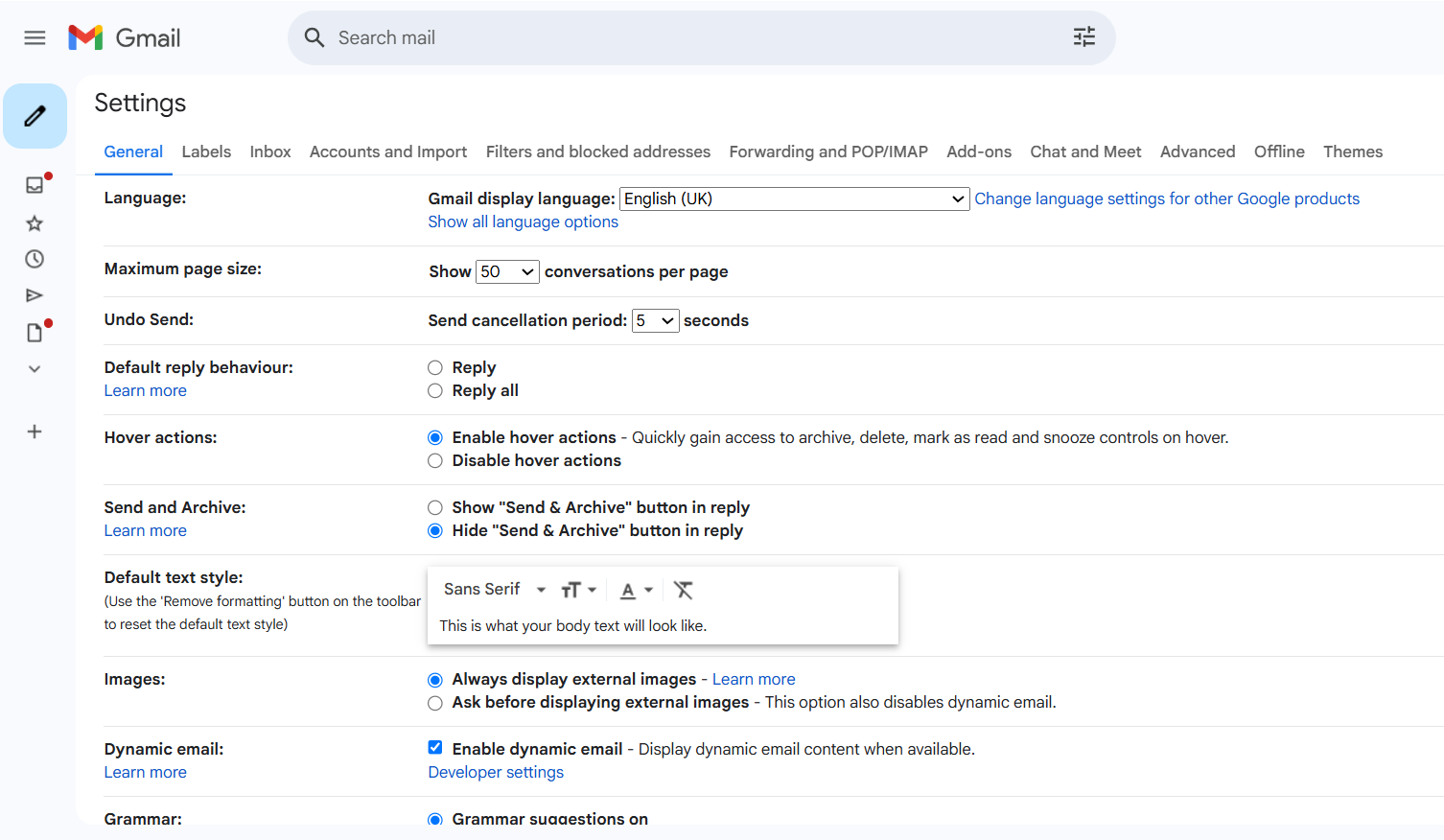
- Select "See all settings" for complete customization
- Explore the tabs for different setting categories
- Don't forget to click "Save Changes" when done

Sending Emails
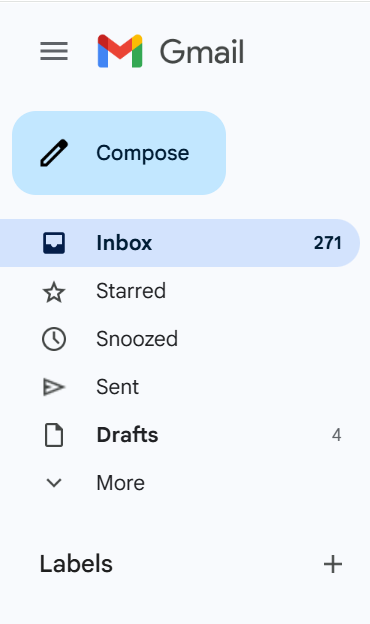
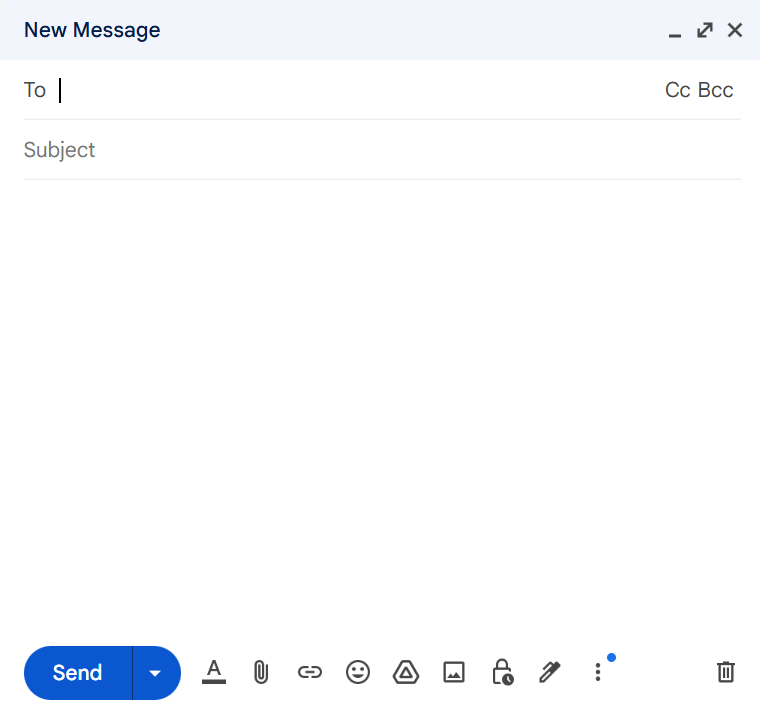
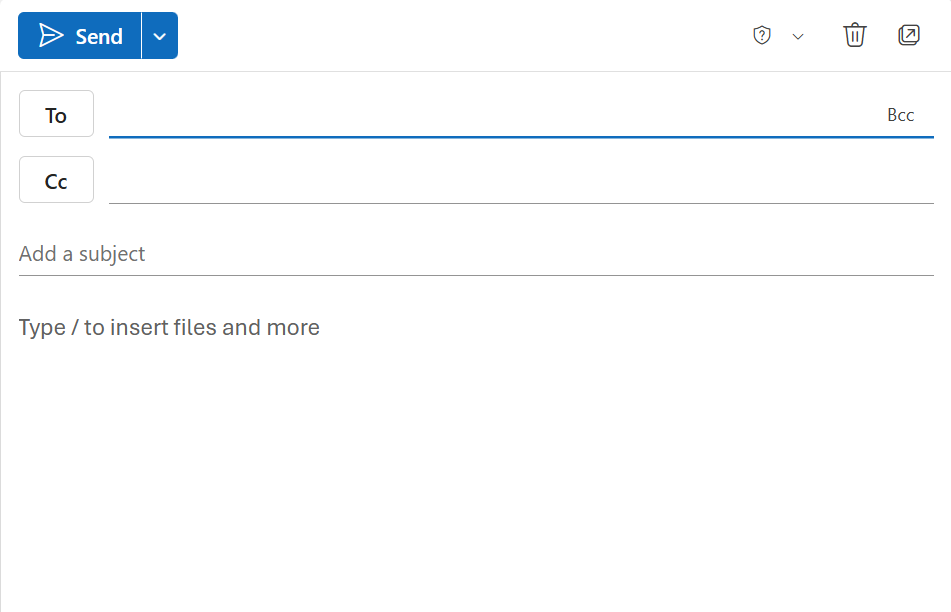
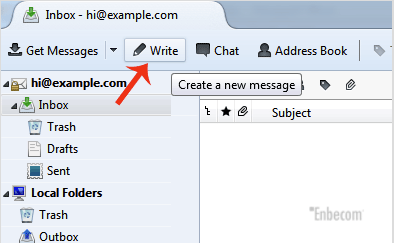
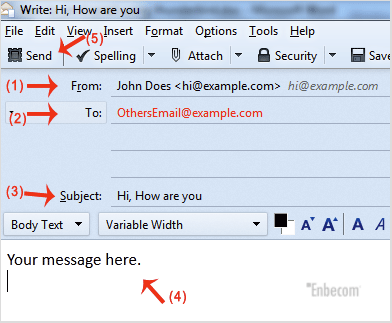
Click the 'Compose' button, fill in the recipient's email, subject, and your message, then click 'Send'.
Tips and Tricks
- Use labels and filters to organize your inbox.
- Schedule emails by clicking the dropdown next to the send button.
- Enable Smart Compose and Smart Reply for faster writing.
- Use the search bar to quickly find emails.